Heart of the House Wins Best of Staffing Client and Employee Satisfaction for 2026 Four Years Running—and Still Raising the Bar Consistency is hard to achieve in hospitality Read More »
Smarter Hospitality Staffing in 2026 There’s a moment every hotel or event manager knows well. It’s not during the Read More »
The Hidden Power of Staying Put: Why Retention in Hospitality Matters More Than Ever In every city, there’s that one hotel guests talk about in the same tone Read More »
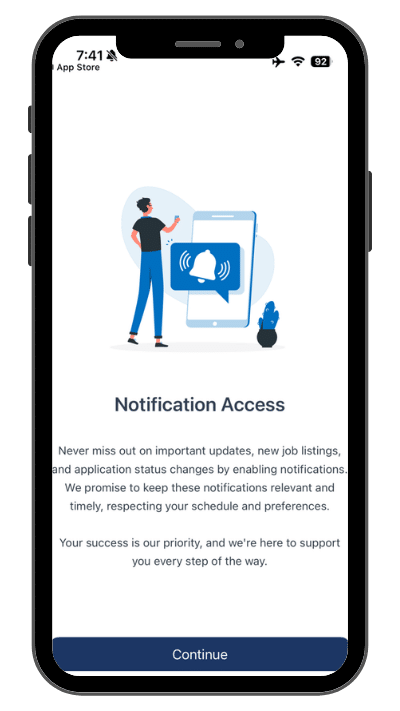
Español Please follow the steps below to access your Heart of the House W2 on the Hospitality Jobs: Work Now mobile App. Step 1: If opening the app for the first time, accept notification access and allow notifications. Step 2: Tap the “Pay” option to view tax information. Step 3: To view W-2’s, tap on the Tax Statements Button. Step 4: Select the 2025 Tax Year to view your 2025 W2. Still unable to access your W2? Click the button below to request support. request W2 Login help